Drop your stuff. Get a post.
Drop it everywhere.
Weblink, tweet, article, product, photo, or just text. Pick a style — posters, mockups, polaroids, banners — tweak it, download. No AI. No signup.
Real posts, real creators
A glimpse of what people ship: Instagram posts, X / Twitter headers, YouTube banners and editorial poster layouts — all generated from a single link, image, tweet or quote. Pick a size, pick a style, drop it everywhere.
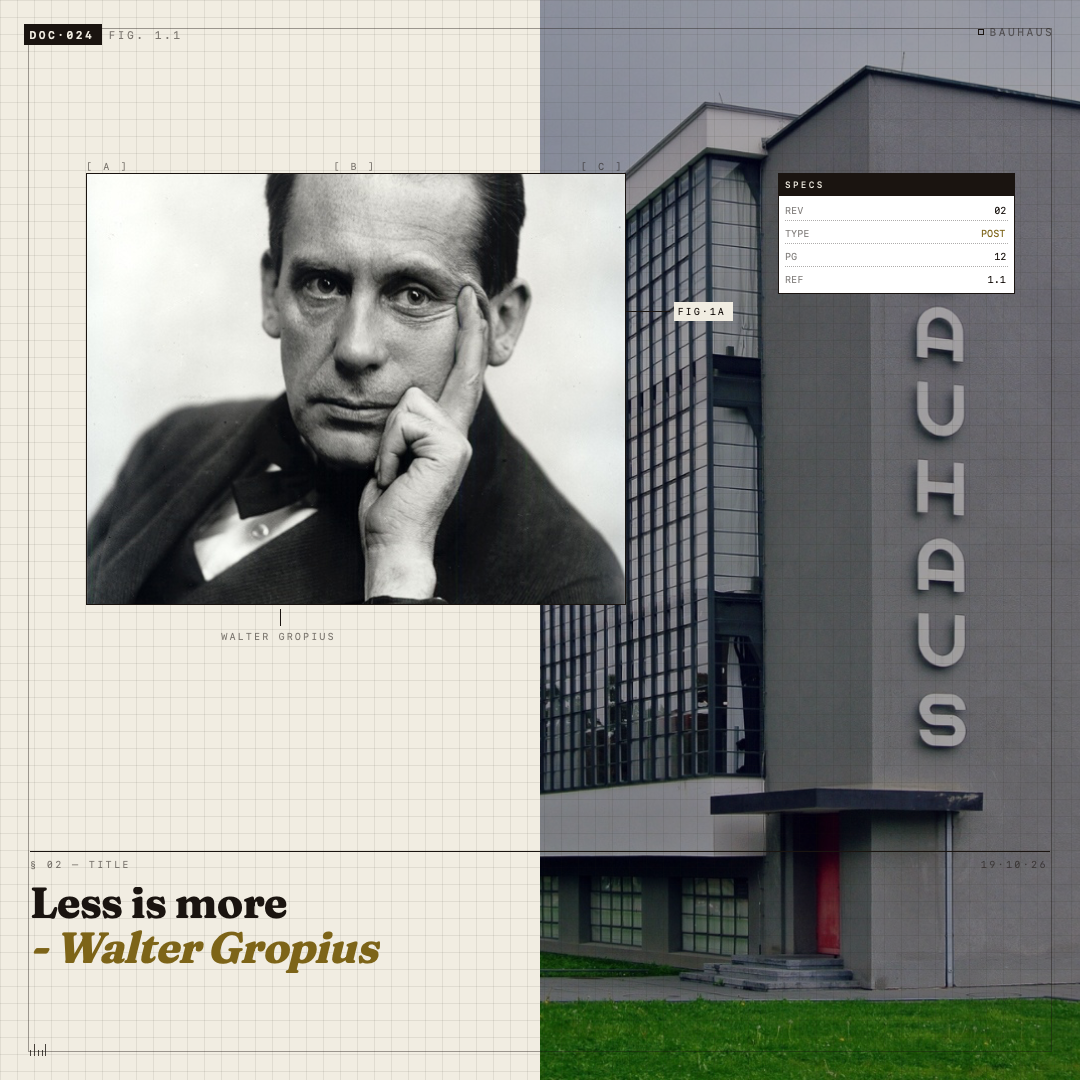
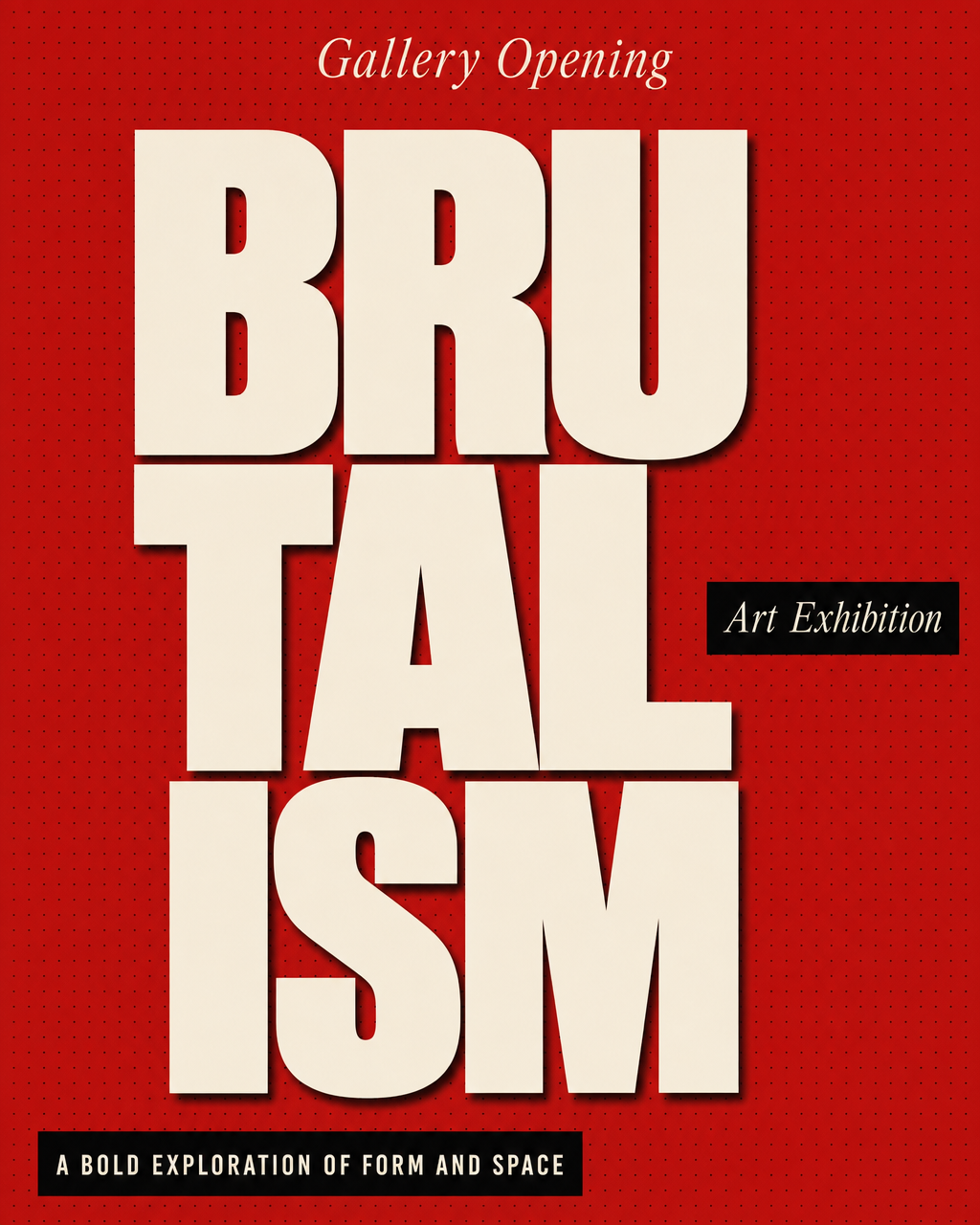
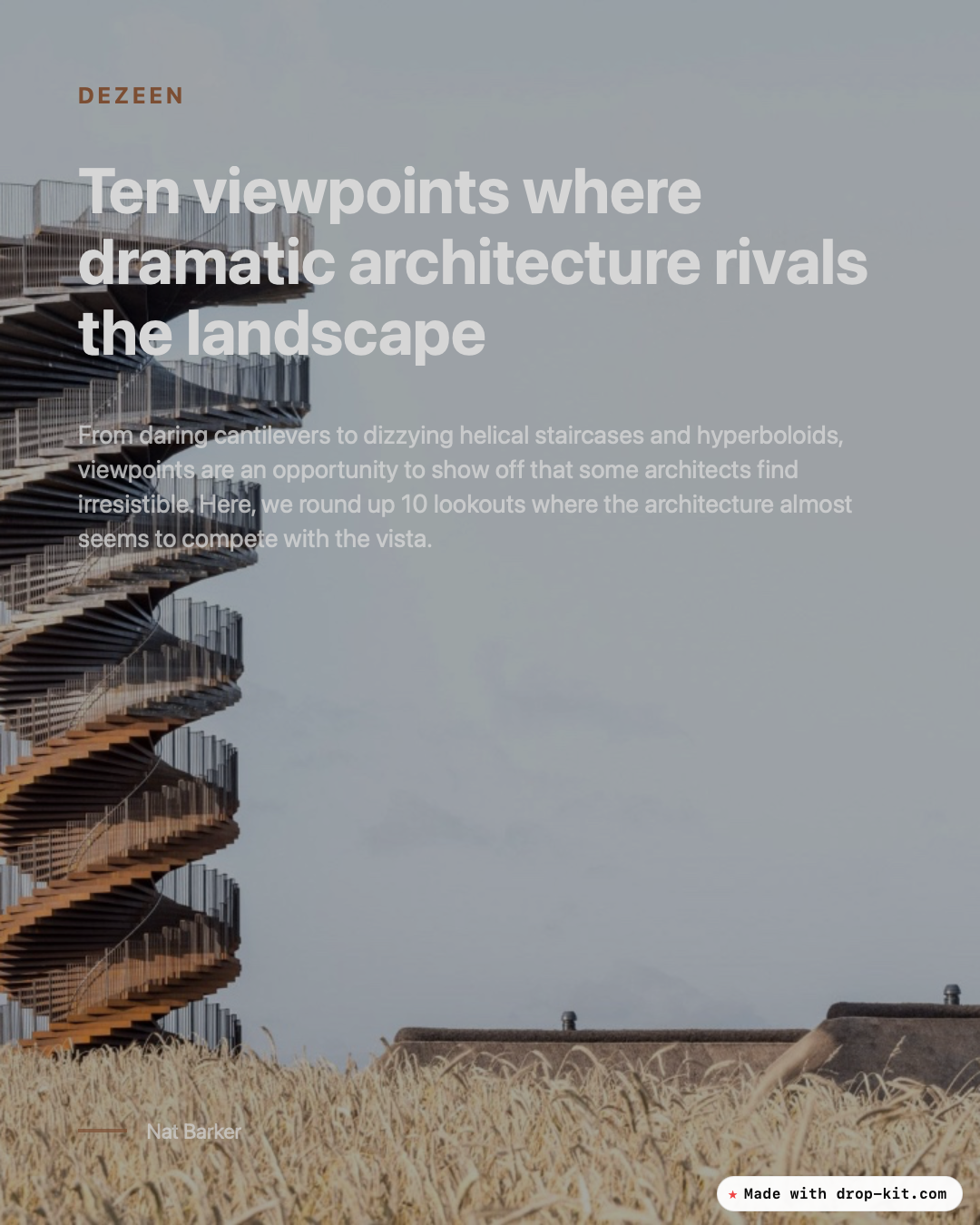
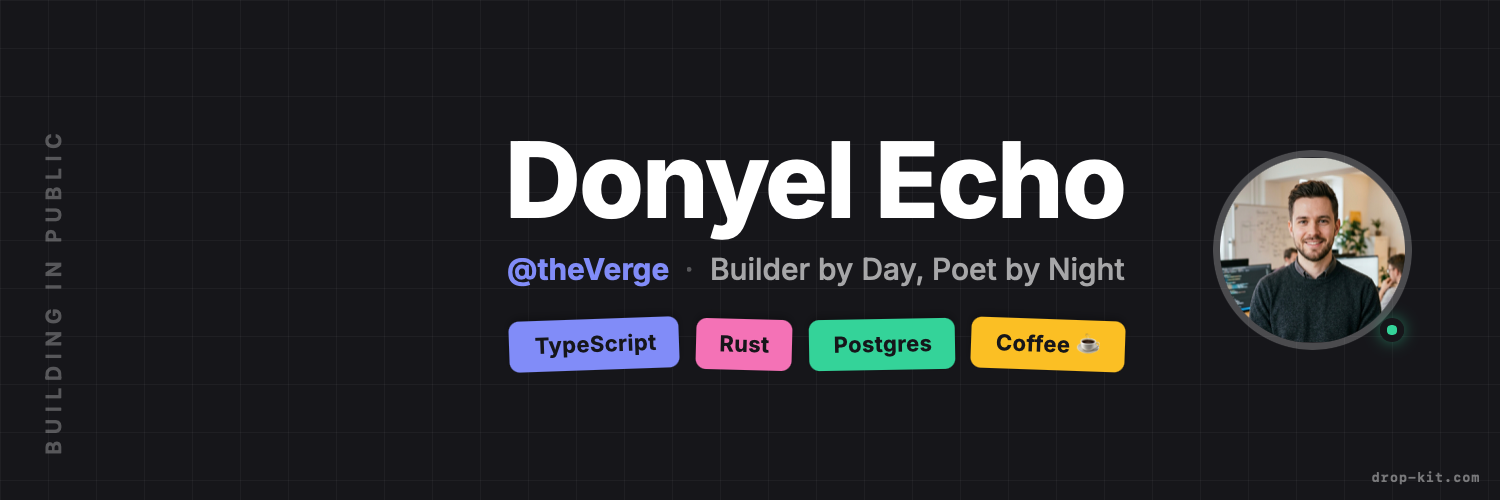
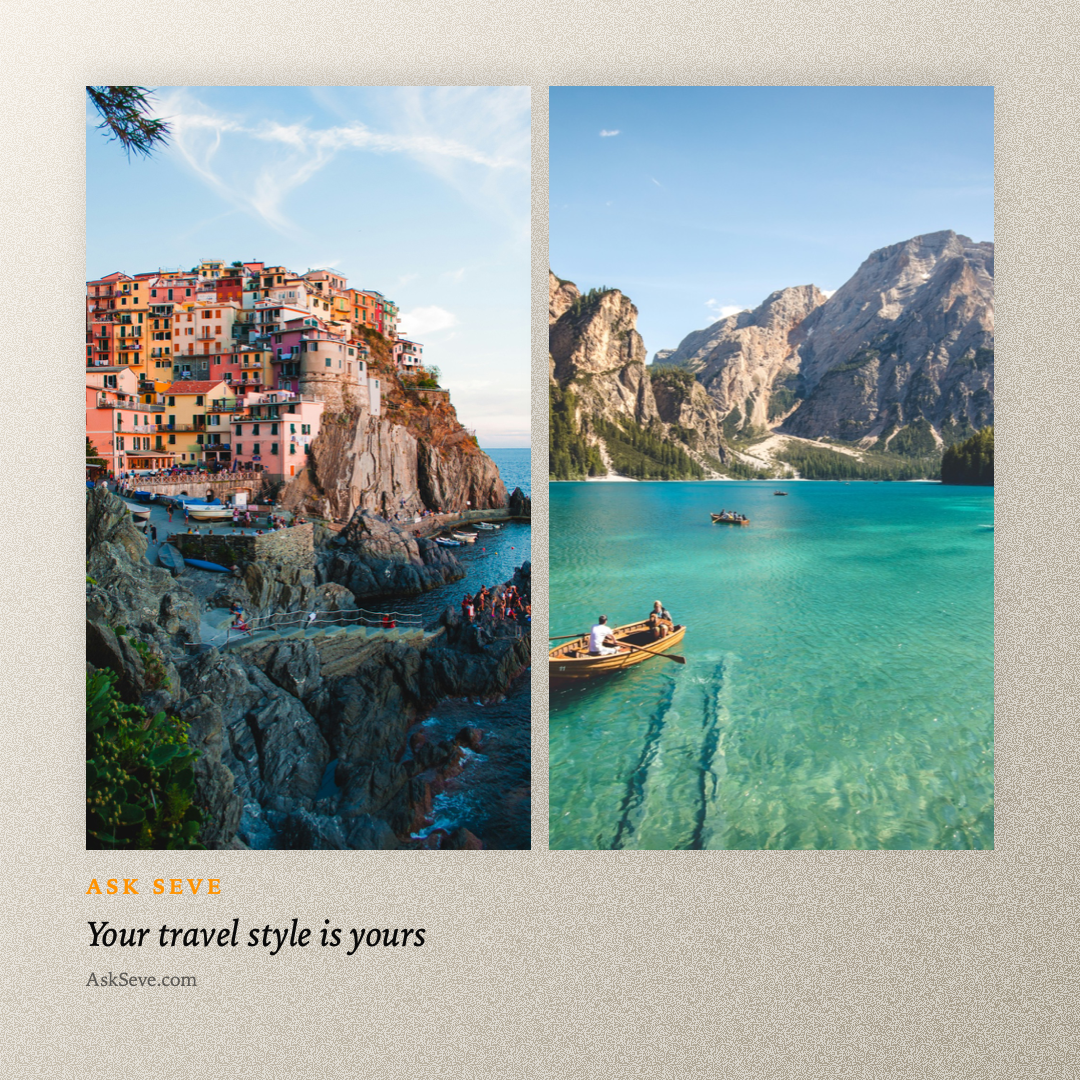
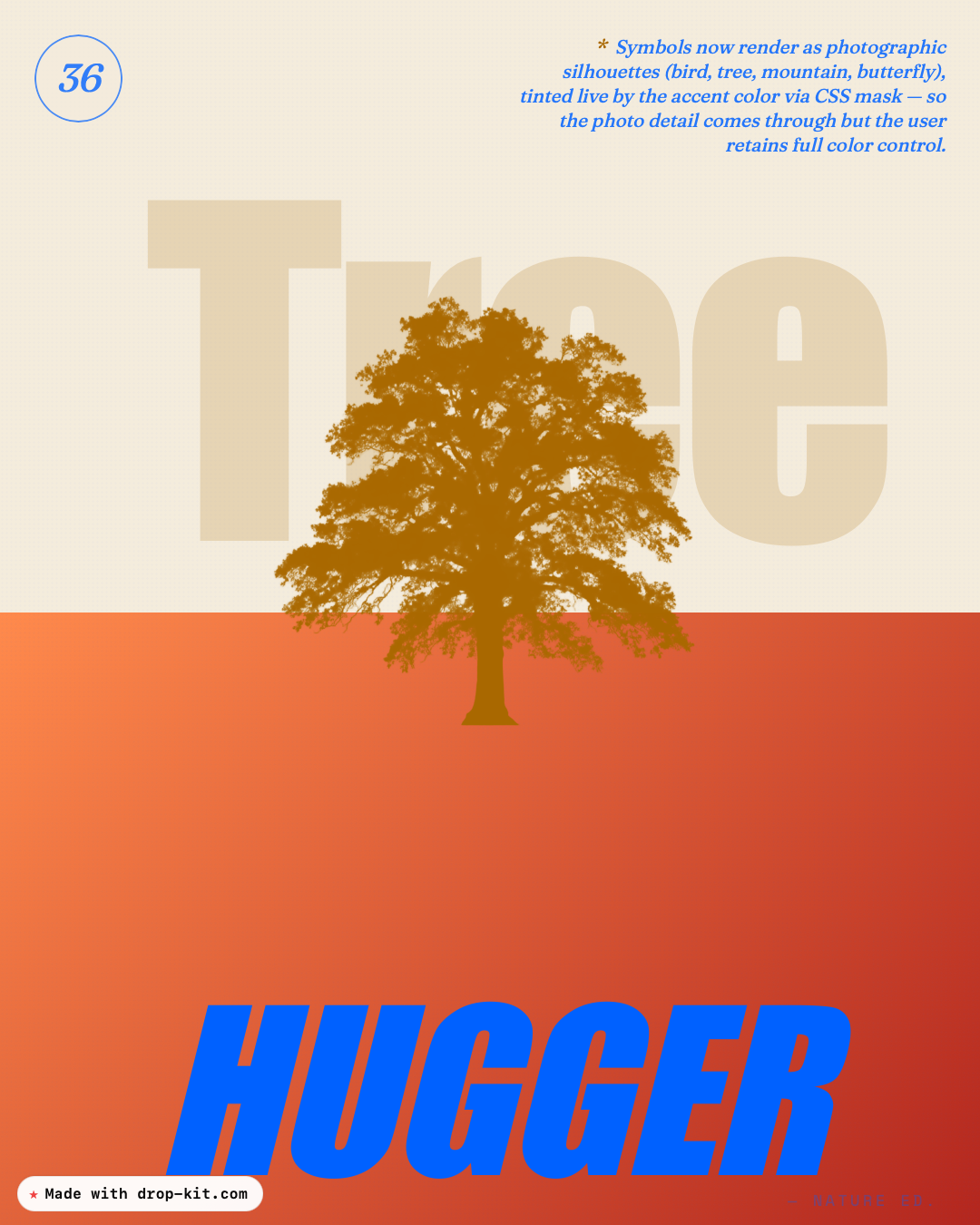
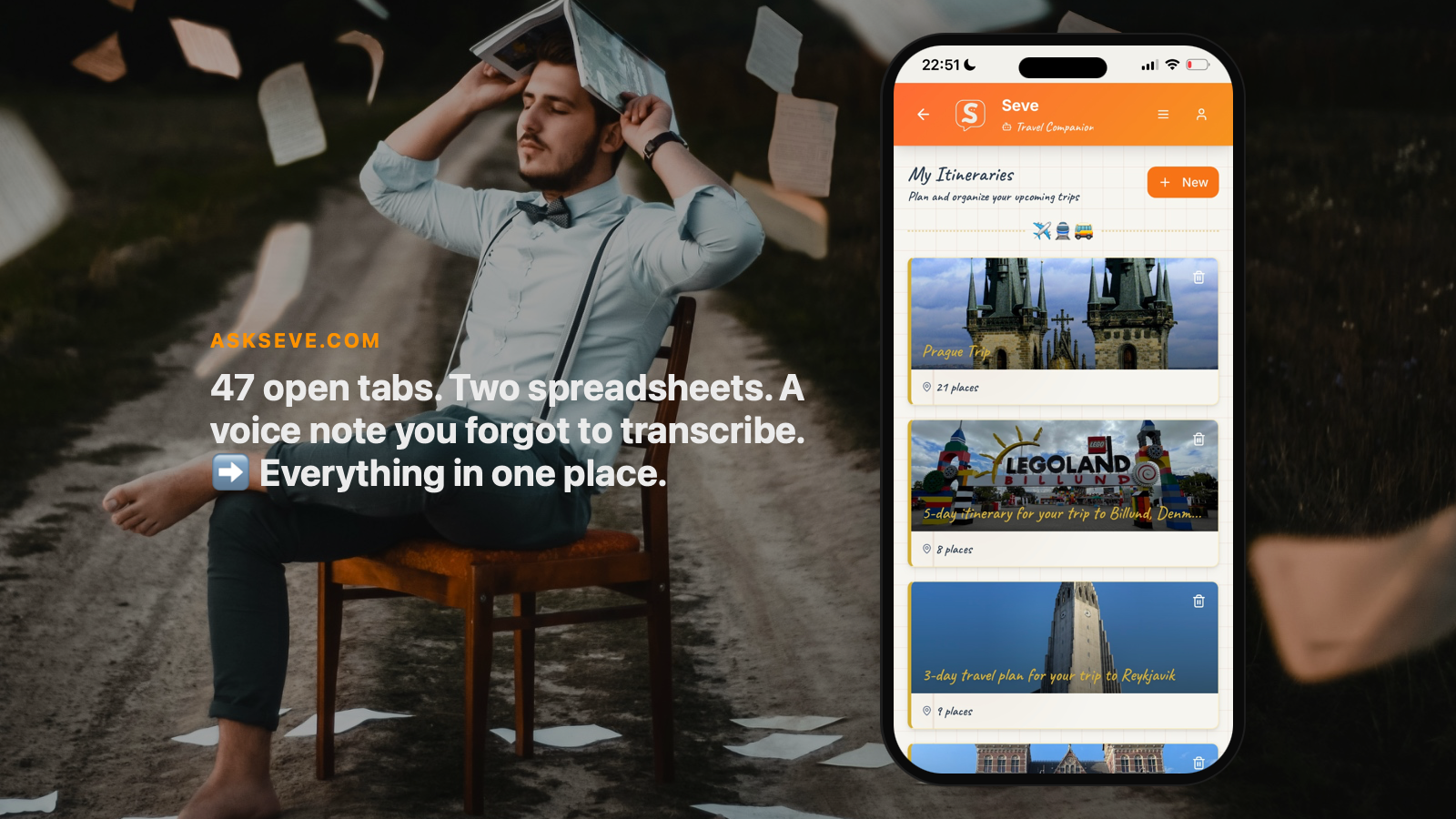
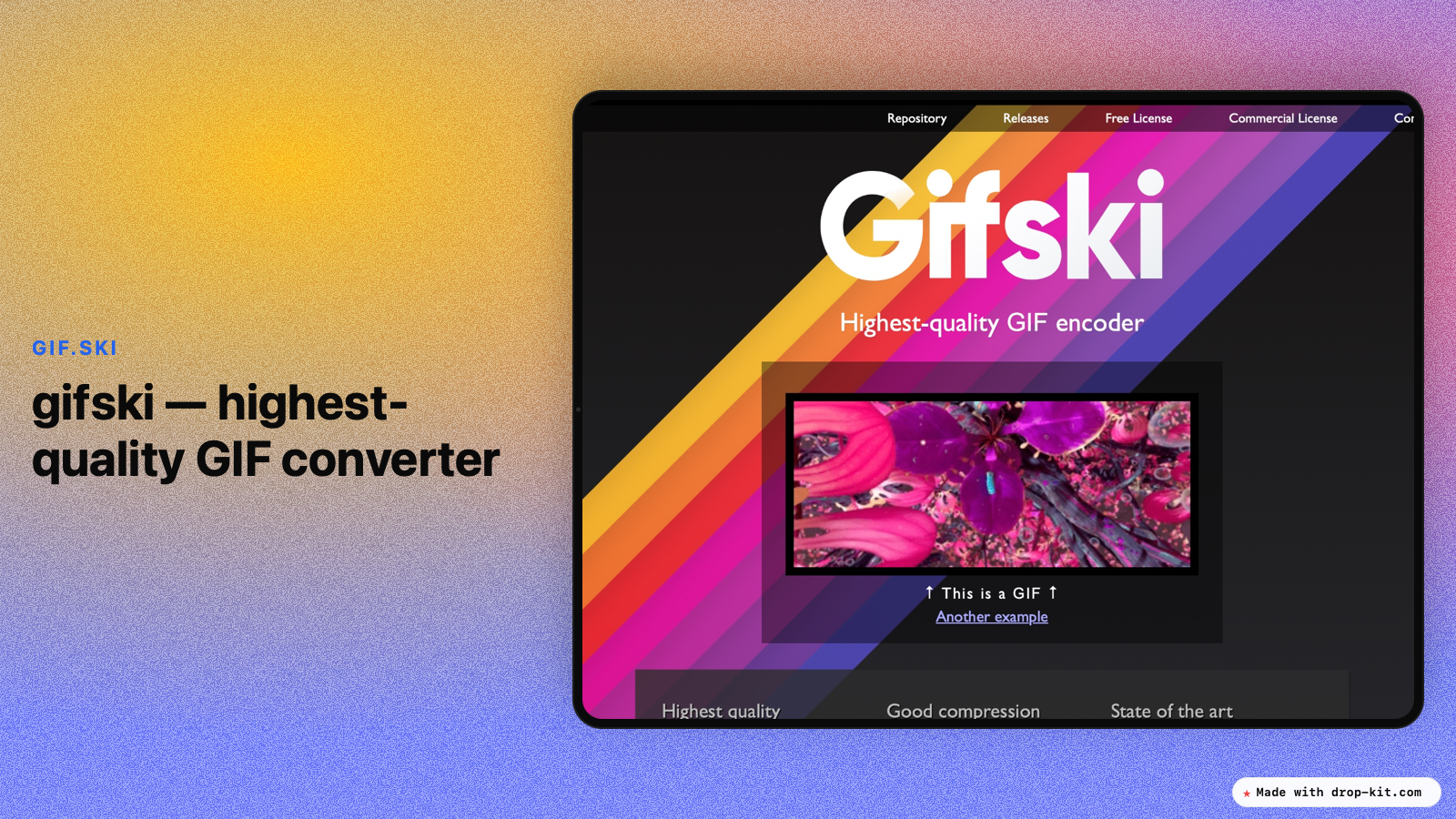
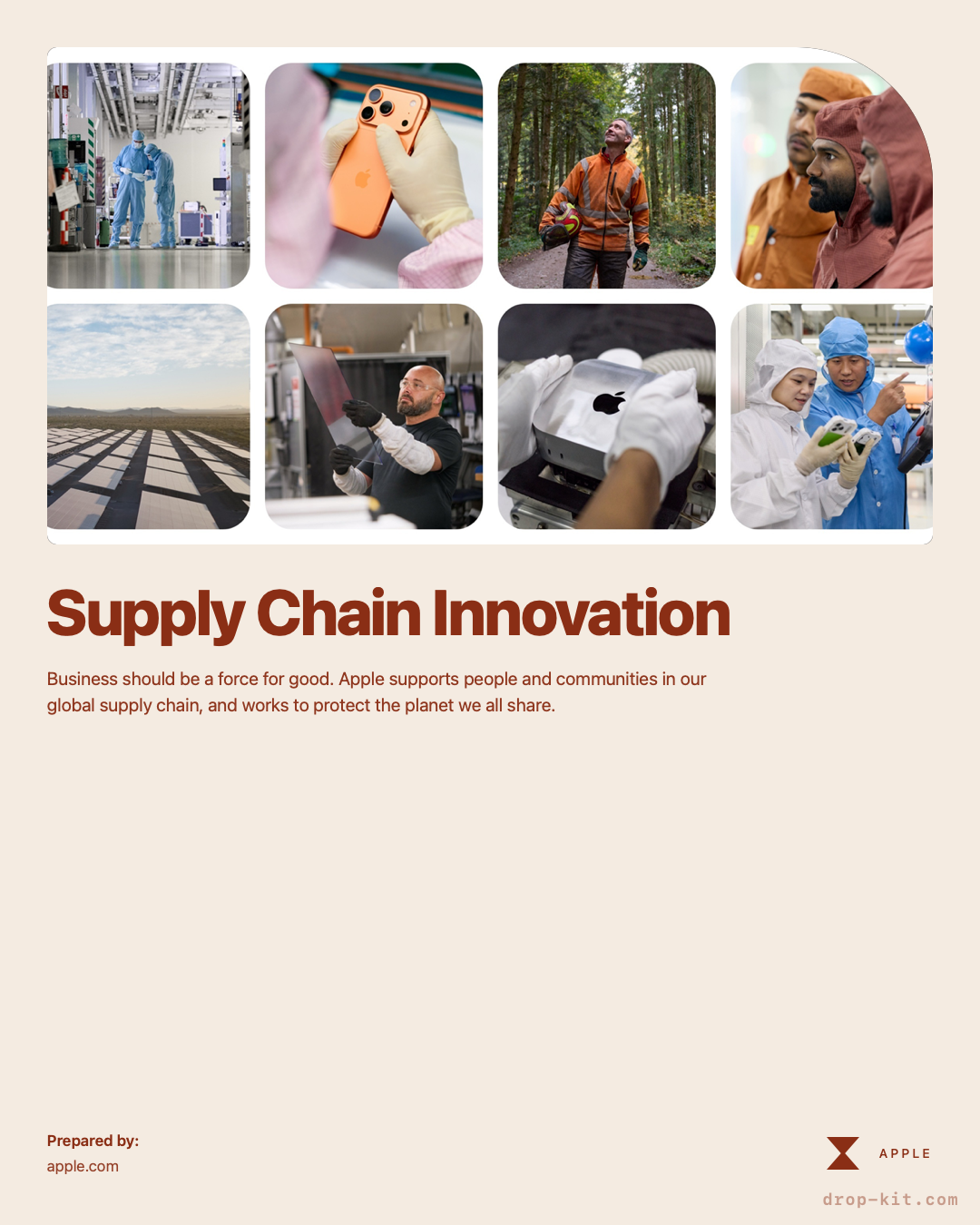
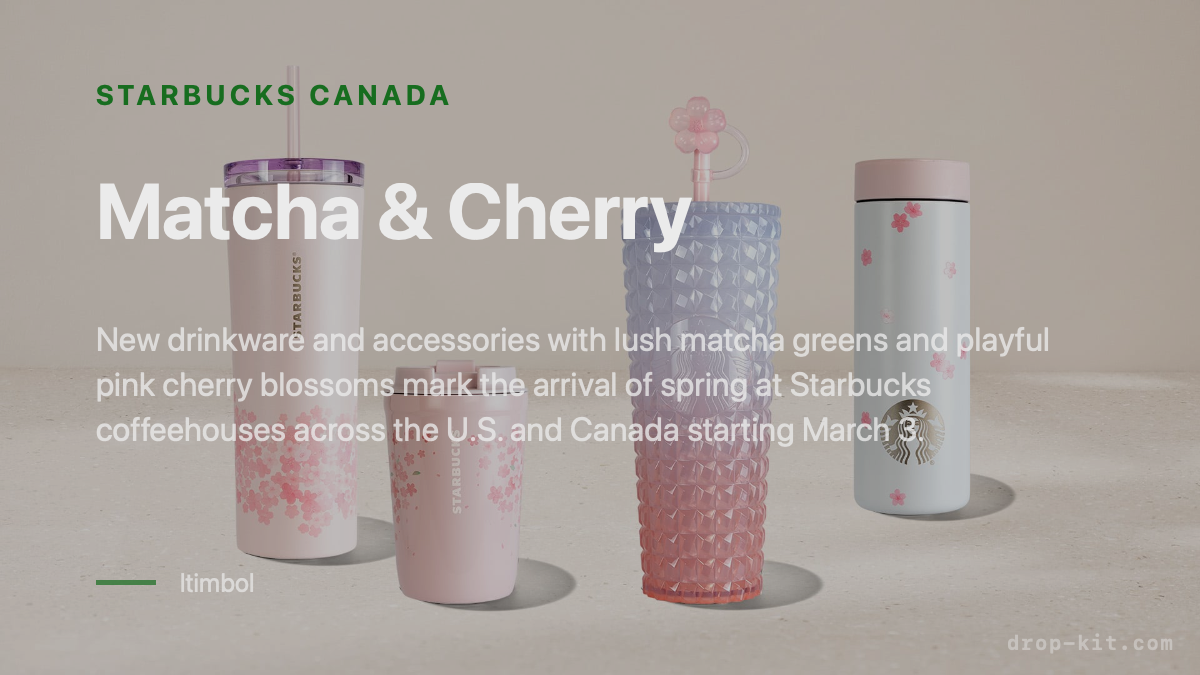
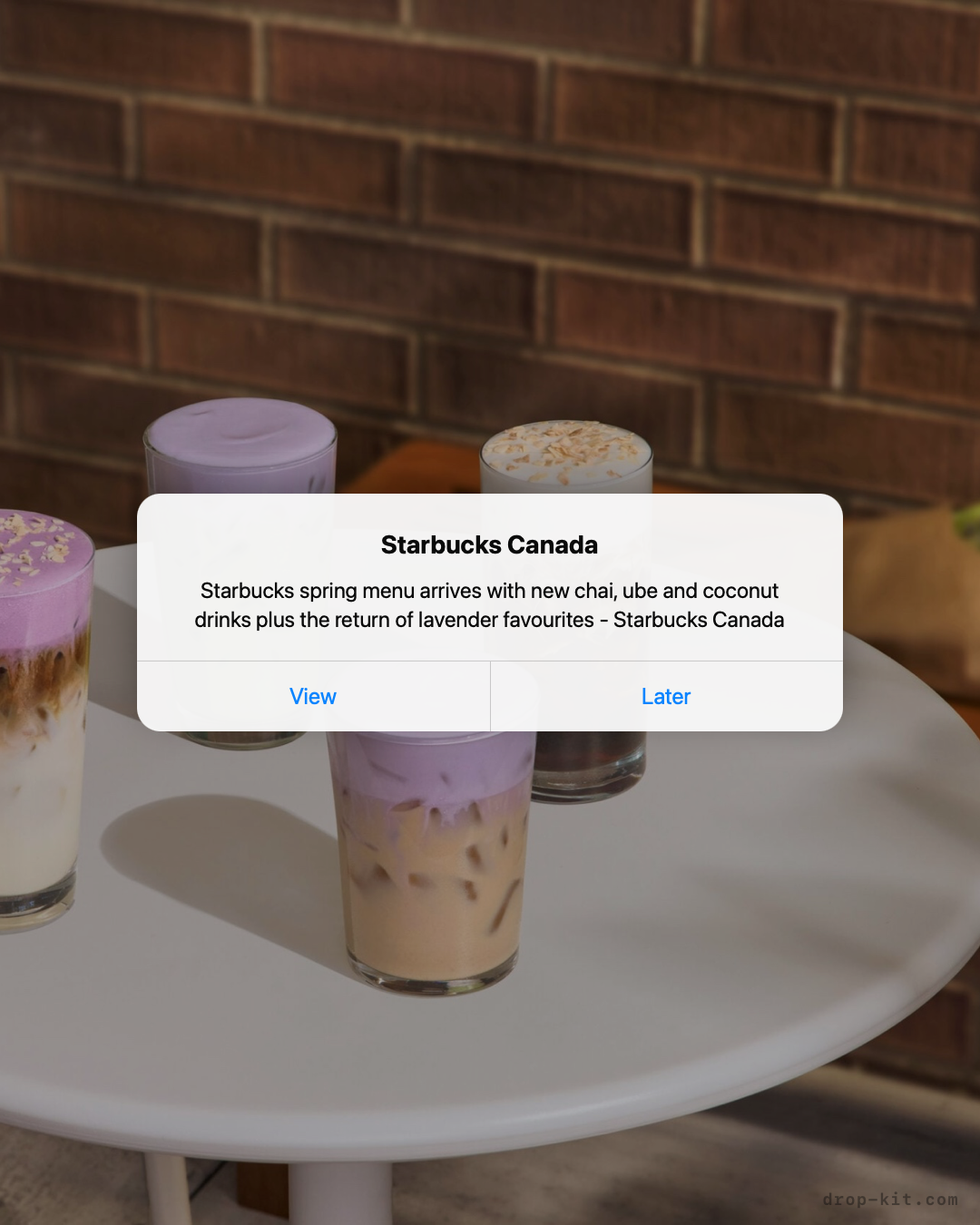
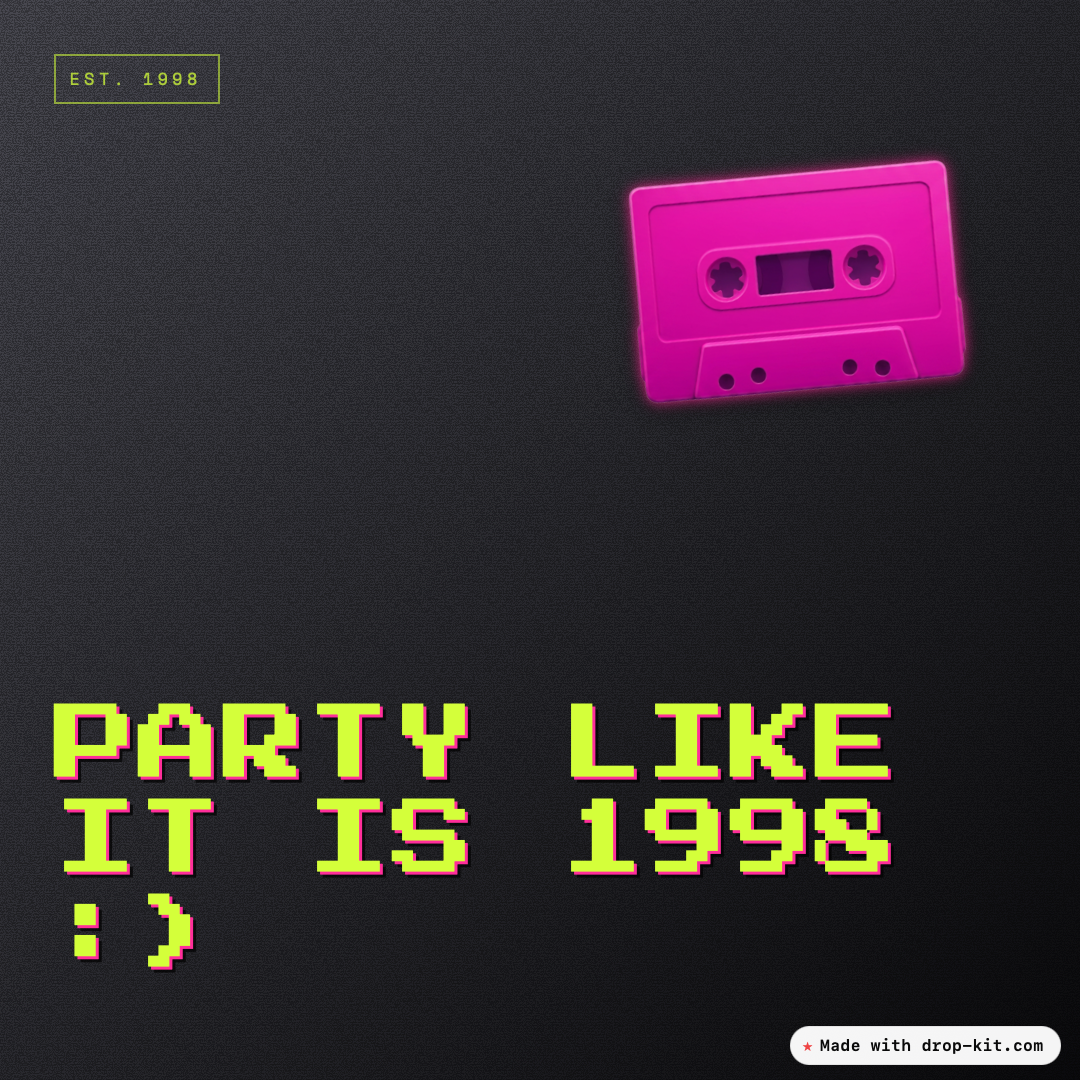
Drop a URL, and we pull the title, image, and source so you don't have to. Or add text, or your own photos.
55+ hand-tuned styles to create unlimited designs. Posters, device mockups, polaroid collages, banners, OG images. Tweak colors, swap photos, add stickers, change size.
One click to clipboard or download a high-res PNG sized for any platform. Or order a shipped poster, postcard, notebook, or tote bag — printed from your design.
No AI averaging or drift — pick a style, replicate as often as you want. Your posts, always on brand.
Questions, answered
+What is Post Drop Kit?
Post Drop Kit is a free tool that turns a link, tweet, article, product page, photo or plain text into a social-ready post image. Pick from 55+ styles and 10 platform sizes, tweak it, then copy or download.
+Is Post Drop Kit a social media template maker?
Yes. It's a free social media template maker with 55+ ready-made templates — posters, device mockups, polaroids, filmstrips and banners. Drop your content in, tweak the colors and layout, and download. No AI rewriting, no signup.
+How is Drop-Kit different from Canva?
Canva hands you a blank canvas and expects you to build a design — pick a size, lay out elements, choose fonts, make it look right. That's powerful, but it has a real learning curve if all you need is a post out the door. Drop-Kit skips that step: drop in a link, photo, or text, pick one of 55+ hand-tuned styles, and the layout is already done. You don't need a design workflow — you need on-brand posts.
+Can I use it as an Instagram post maker?
Yes. Pick Instagram Post (1:1 Square), Story (9:16) or Portrait (4:5), drop in a link, photo or text, choose a style, and export a high-resolution image ready to post to Instagram.
+Is it really free?
Yes — completely free, with no signup, no account, and no paywall. There is a paid option to remove the "Made with Drop-Kit.com" branded banner.
+Do I need an account?
No. To remove the branding an account is required.
+Does it use AI?
No. Post Drop Kit does not rewrite your text or generate content with AI. It pulls the title, image and source from a page's Open Graph tags, and you control the rest.
+What sizes and platforms are supported?
10 sizes covering Square, Portrait, Story, Landscape, YouTube Thumbnail, YouTube Banner, LinkedIn Link Preview, LinkedIn Banner, X Header, and Bluesky Banner.
+Can I use Drop-Kit to make OG images for my website?
Yes. Drop-Kit also works as an OG image maker. The 1200×627 size (LinkedIn / OG Image) is the standard Open Graph format used across all platforms. Drop your URL, pick a style, export the PNG, and set it as your site's social preview image.
+Can I use my own photos?
Yes. Drop a photo into the home page, or swap any image while editing. Photos stay in your browser — nothing is uploaded to a server.
+How do I export the final image?
One click to copy the image straight to your clipboard, or download it as a high-resolution PNG sized for the platform you picked.
+Can I order printed versions of my post?
Yes. After designing a post, you can order a shipped poster, postcard, spiral notebook, or tote bag printed from your design. Printing requires signing in and paying at checkout; your design is only shared with our print partner to fulfill the order.
+Why didn't my link import the title or product image?
Post Drop Kit reads a page's Open Graph tags to pull the title, image and source. Some sites — especially big retailers like H&M, Zara and Nike — sit behind bot protection (Akamai, Cloudflare, PerimeterX) or render their product pages with JavaScript, so a server-side fetch only sees a near-empty shell with no preview metadata. When that happens, the import comes back blank or partial. You can still build the post: paste the title manually, drop your own product image into the editor, and pick any style. It's the site, not the kit.